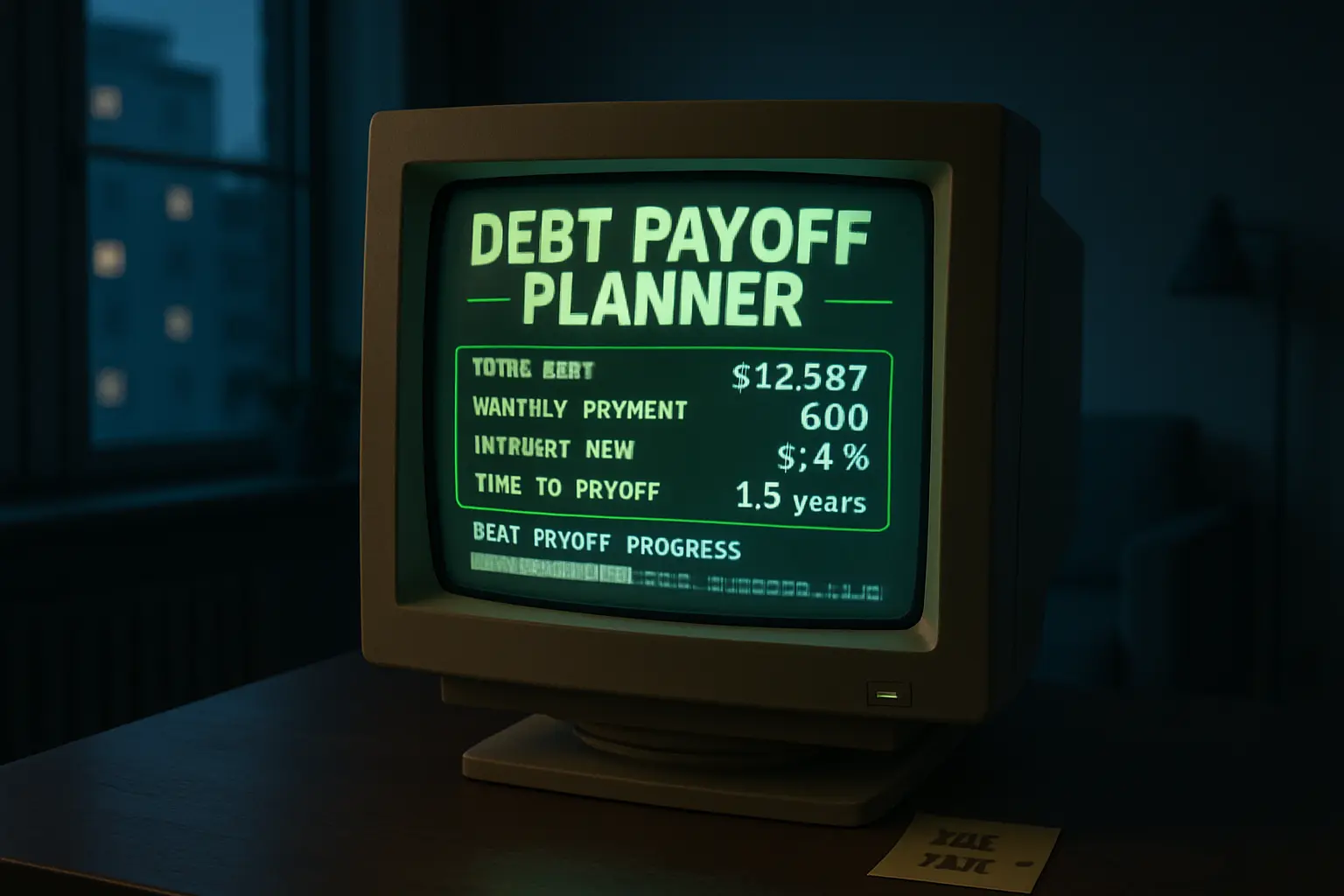
Trying a debt payoff app this year? Check the free parts first
You download a debt payoff app hoping for a calmer plan, and within ten minutes the screen is nudging a trial, a premium dashboard, or a paid coaching upgrade. That is the real question in 2026: not whether debt apps exist, but whether the no-cost version is useful enough to help before the sales prompts start.
This topic is a little different from broad debt-relief comparisons. The focus here is narrower and more practical: when a debt payoff tool is worth trying, what a real no-cost tier should include, and which upgrade tactics should make you slow down. For many people, the best app is not the flashiest one. It is the one that lets you build a repayment map, see progress clearly, and avoid turning financial stress into another monthly charge.
Recent app roundups point to the same basic pattern. Services such as debt payoff planners, DebtKiller, and other comparison lists from app rankings and consumer reviews keep emphasizing transparent pricing, useful planning tools, and caution around heavy upsells. That matters because many borrowers do not need a premium subscription to start. They need a clean place to list balances, interest rates, and monthly targets.
What a genuinely useful no-cost debt app should let you do
A free debt payoff tool should help you organize your balances and test a payoff path before asking for your card.
If the unpaid version cannot do the basic math, it is probably a lead funnel first and a money tool second.
A solid starter tier should cover the fundamentals. That means entering your debts, seeing interest rates, setting minimum payments, and comparing common payoff styles such as smallest-balance-first or highest-rate-first. You should also be able to change your extra payment amount and see how the timeline moves. If the app cannot do that without a trial upgrade, its free version may not be worth much.
Many people do not need automation on day one. They need clarity. A no-cost tool can still be useful if it gives you:
- A place to list all balances and minimums
- A debt snowball or avalanche view
- A projected payoff date based on your entries
- Simple progress charts
- The ability to update balances manually each month
That is why simpler tools often beat more complicated apps for households already under stress. Reviews of DebtKiller and other consumer-focused platforms suggest that ease of use matters because many borrowers are not looking for a finance hobby. They want a plan they can stick with.
One more test helps: can you understand the value before linking bank accounts? Plenty of people are better off starting with manual entry. It is slower, but it lets you see whether the app is truly helping rather than just collecting financial data in exchange for a few charts.
Where upgrade pressure usually starts showing up
The most common upsells tend to target convenience, automation, or anxiety about falling behind.
A paid feature is not automatically bad, but it should solve a real problem instead of creating one more recurring bill.
App makers know the emotional moment when someone opens a debt tool: they are worried, motivated, or tired of juggling balances. That is exactly when upgrade prompts can feel persuasive. The pitch often sounds reasonable. Link every account automatically. Unlock custom payoff plans. Turn on smart reminders. Get premium insights. Talk to a coach. Some of these extras may be helpful. The issue is whether they are necessary for your actual progress.
Recent comparisons from debt tool overviews and app comparisons keep circling back to the same warning sign: a weak free tier paired with constant prompting to subscribe.
Here are common pressure points to watch:
- Free download, but payoff calculations are locked
- Trial that converts quickly unless canceled
- Bank syncing available only with a subscription
- Progress alerts used mainly to push upgrades
- “Coaching” that is really a path into paid products or offers
- Extra fees layered onto a monthly membership
The trick is to ask whether the paid feature saves enough time or money to justify itself. If a subscription costs even a modest amount every month, that charge should have a clear purpose. For someone paying off high-interest debt, another recurring expense needs a strong reason to exist.
A neutral way to look at it: the best upgrade is one you can explain in plain language. “It saves me enough time that I actually keep using the plan” is a fair answer. “I am paying because the app made the free version unusable” is a warning sign.
Which paid features may be worth it, and which are easy to skip
Most borrowers can skip premium extras unless the upgrade clearly improves follow-through, not just appearance.
A prettier dashboard does not lower your balance; a tool that keeps you consistent might.
There is nothing wrong with paying for a debt tool if the math works for your budget. Some people genuinely benefit from automation, especially if they have many accounts or struggle to keep balances updated. Others like scheduled reminders, exportable reports, or calendar planning. For a few users, that extra structure helps enough to support steady payoff.
Still, many premium features are easy to live without. Fancy projections, motivational badges, deep analytics, or AI-style recommendations can look impressive without changing your outcome much. That is especially true if you already know your next move is simple: pay minimums everywhere, put extra money toward one target, repeat monthly.
Features more likely to be worth paying for:
- Reliable account aggregation if manual tracking keeps failing
- Flexible payoff scenario tools you will actually use
- Calendar reminders that prevent missed due dates
- A household-sharing feature if two adults manage debt together
Features easier to skip:
- Decorative milestone rewards
- Generic educational libraries you can find elsewhere
- Locked charts that do not affect your payment plan
- Premium labels on basic functions that should be standard
Some app lists, including ranked reviews, praise affordability when a product stays simple. That is a good clue. A low-friction app may be more valuable than a bigger platform full of extras you never touch.
There is also a larger budget question. If paying for an app means trimming your extra debt payment, the upgrade needs to earn its spot. A five- or ten-dollar subscription can matter if your monthly margin is already tight.
How to test an app without letting it quietly cost you more
The safest approach is to run a short trial on your terms, with one reminder to review and one reason to cancel if it underdelivers.
Trying a tool should make your repayment plan clearer within a week or two; if it mainly creates login fatigue and upgrade banners, move on.
Before downloading, decide what you want the app to do. Maybe you need a payoff order. Maybe you need one place to see balances. Maybe you need monthly tracking because spreadsheets keep getting ignored. That specific goal makes the test easier.
Then use a simple screening list:
- Can you see pricing before making an account?
- Does the free version do the core math?
- Is there a trial that auto-renews?
- Can you cancel inside the app store or account page easily?
- Does the app ask for bank access before showing basic value?
- Will the subscription reduce money you could send to debt?
Give the tool a short window, not an open-ended chance. Enter balances, compare a payoff route, and decide whether it made your next step clearer. If yes, keep using it. If not, delete it before inertia turns into a recurring charge.
This also helps protect against the emotional trap of “sunk cost productivity.” People sometimes keep paying because canceling feels like giving up. It is not. If the app is not helping you send more money to debt, avoid missed payments, or stay organized, it may not deserve a place in the budget.
If you do try a premium plan, take one defensive step: set a calendar reminder a few days before renewal. That small habit can save money even if the app turns out to be useful.
A low-cost fallback if every app starts feeling too salesy
A debt payoff plan does not need a subscription to be real, and sometimes the cheapest tool is still good enough.
When an app becomes more distracting than helpful, a plain tracker and a repeatable monthly routine can work just fine.
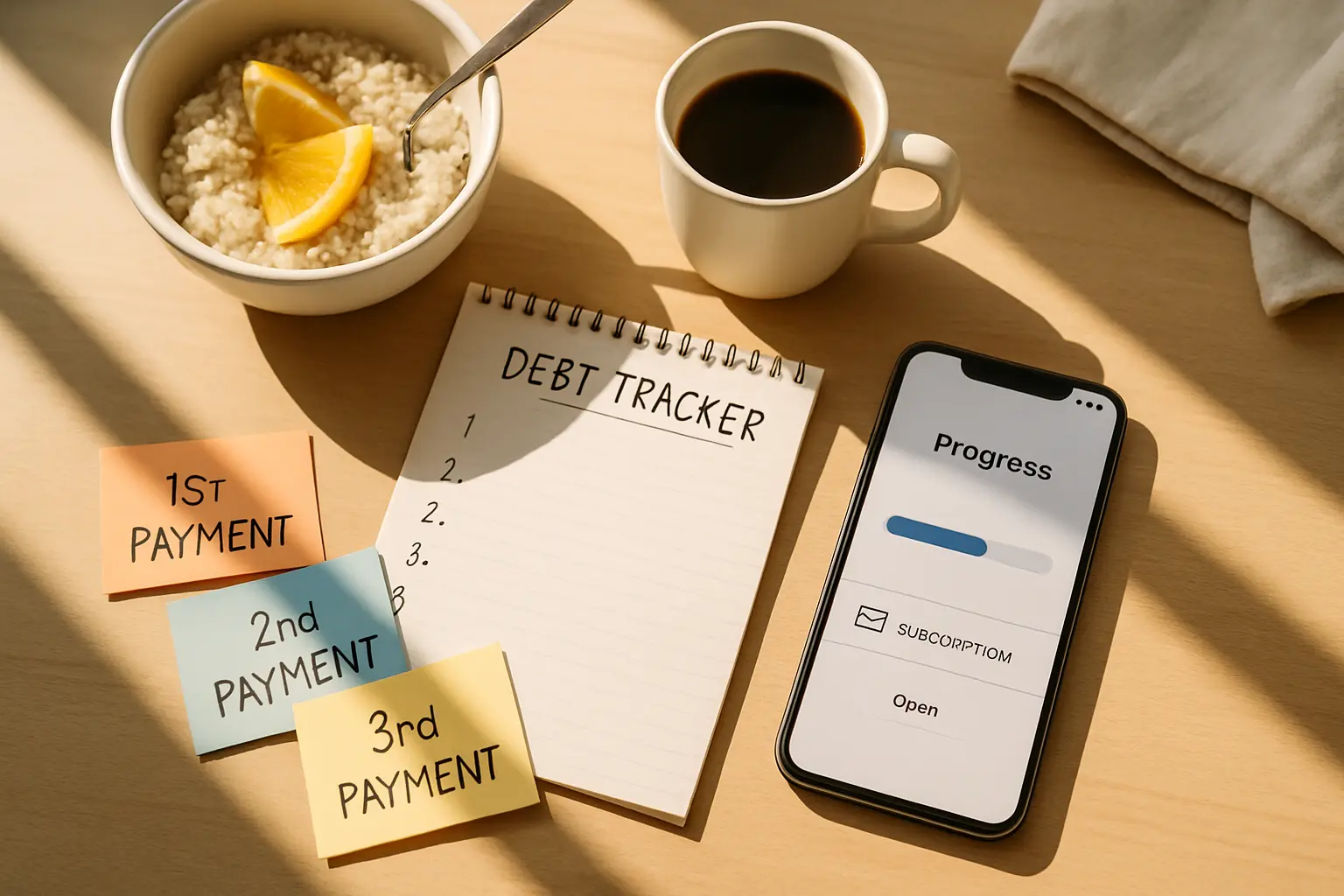
Some readers will test a few apps and decide they all feel too pushy. That is okay. You can still build a solid plan with a notes app, spreadsheet, printable worksheet, or even one page in a folder. The core system is simple: list debts, choose a target, note due dates, track balances once a month, and keep going.
This matters because recent FoundBenefits debt articles already encouraged readers to match the right solution to the real problem. A payoff app is not debt relief by itself. It is just a planning tool. If a no-cost calculator or spreadsheet keeps you focused, that may be the better fit than a polished platform with monthly charges.
A simple manual setup should include:
- Creditor name
- Balance
- Interest rate
- Minimum payment
- Target order
- Monthly update date
You can still use public calculators or free app features for projections while keeping the main record yourself. That route is boring, but boring often works.
The main takeaway for 2026 is straightforward: many debt apps are free to download, but not all are free to use in a meaningful way. Test the unpaid features first, be skeptical of pressure-filled upgrades, and only pay if the tool clearly helps you stay consistent. If an app makes your plan easier and your budget still works, great. If not, a simpler system may serve you better. Take a look at what fits your budget today and keep the focus on progress, not product hype.